Original and compatible ink cartridges can be bought for the HP OfficeJet 5220 from our website today with a 100% Satisfaction Guarantee included as standard.
Whether you're looking for a single standard-sized product or a high capacity multipack to make your printing go further, Cartridge People is the perfect place to buy replacement ink for your HP OfficeJet 5220.
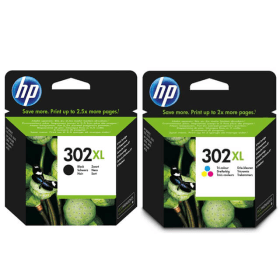

Black
Number in Pack: 1
Volume of Ink: 5.5ml each
MPN: B7RT9AE
Colour
Number in Pack: 1
Volume of Ink: 7ml each
MPN: B7RT8AE
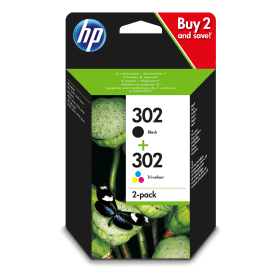
Black
Number in Pack: 1
Volume of Ink: 2ml each
MPN: B7RT7AE
Colour
Number in Pack: 1
Volume of Ink: 2ml each
MPN: B7RT6AE
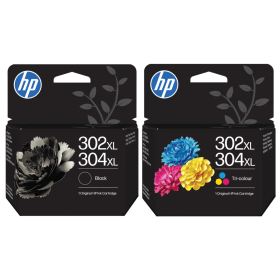
Black
Number in Pack: 1
Volume of Ink: 5.5ml each
MPN: B7RT9AE
Colour
Number in Pack: 1
Volume of Ink: 7ml each
MPN: B7RT8AE
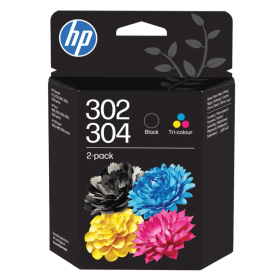
Black
Number in Pack: 1
Volume of Ink: 2ml each
MPN: B7RT7AE
Colour
Number in Pack: 1
Volume of Ink: 2ml each
MPN: B7RT6AE
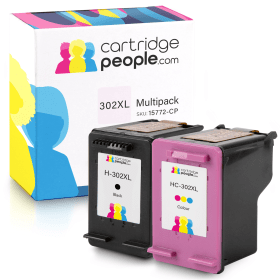
Black
Number in Pack: 1
Volume of Ink: 20ml each, 263% extra ink vs the OEM option
MPN: F6U68AE
Colour
Number in Pack: 1
Volume of Ink: 18ml each, 157% extra ink vs the OEM option
MPN: F6U67AE
Black
Number in Pack: 1
Volume of Ink: 17ml each, 209% extra ink vs the OEM option
MPN: B7RT9AE
Colour
Number in Pack: 1
Volume of Ink: 15ml each, 114% extra ink vs the OEM option
MPN: B7RT8AE
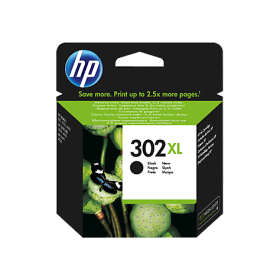
Black
Number in Pack: 1
Volume of Ink: 5.5ml each
MPN: B7RT9AE
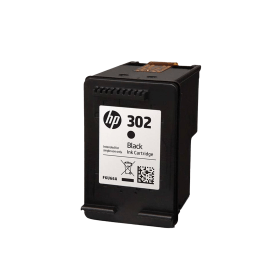
Black
Number in Pack: 1
Volume of Ink: 2ml each
MPN: B7RT7AE
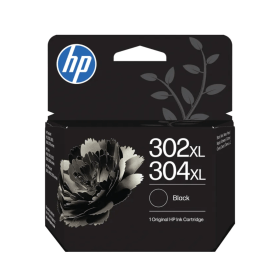
Black
Number in Pack: 1
Volume of Ink: 5.5ml each
MPN: B7RT9AE
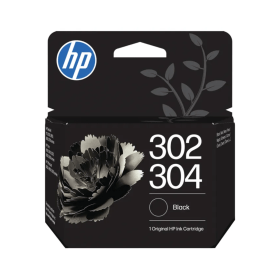
Black
Number in Pack: 1
Volume of Ink: 2ml each
MPN: B7RT7AE

Black
Number in Pack: 1
Volume of Ink: 20ml each, 263% extra ink vs the OEM option
MPN: F6U68AE
Black
Number in Pack: 1
Volume of Ink: 17ml each, 209% extra ink vs the OEM option
MPN: B7RT9AE

Colour
Number in Pack: 1
Volume of Ink: 8ml each
MPN: F6U67AE
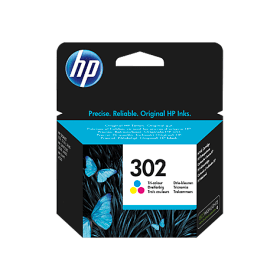
Colour
Number in Pack: 1
Volume of Ink: 2ml each
MPN: B7RT6AE
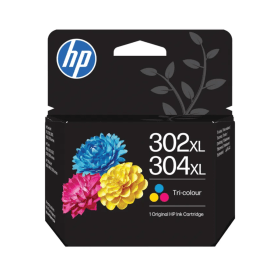
Colour
Number in Pack: 1
Volume of Ink: 7ml each
MPN: B7RT8AE
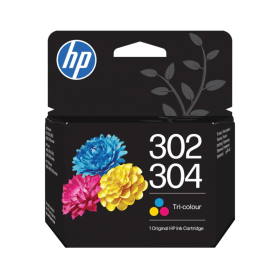
Colour
Number in Pack: 1
Volume of Ink: 2ml each
MPN: B7RT6AE

Colour
Number in Pack: 1
Volume of Ink: 18ml each, 125% extra ink vs the OEM option
MPN: F6U67AE
Colour
Number in Pack: 1
Volume of Ink: 15ml each, 114% extra ink vs the OEM option
MPN: B7RT8AE
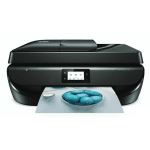
It's possible to print, scan, copy and fax when using the HP OfficeJet 5220 in your home office or small office.
Easily find the settings you need to start printing with the help of a 5.5cm LCD screen that's incorporated into the design of a machine that won't take up too much room and can be accommodated on a desktop.
Print speeds of 10ppm for mono and 7ppm for colour are available and it's important to know that the HP OfficeJet 5220 can print on both sides of the page automatically and therefore cut down on the amount of paper you waste. The 100-sheet paper tray is supported by a 35-page Automatic Document Feeder.
The quality of your pages will be helped by a 4800 x 1200dpi print resolution.
You can contact the HP OfficeJet 5220 wirelessly and there's Apple AirPrint and Google Cloud Print support.
Trust Cartridge People to bring you affordable replacement ink cartridges for the HP OfficeJet 5220 that will deliver pages you'll be happy to share and keep.
All of the products listed above are backed by a 100% Satisfaction Guarantee and our industry experts work tirelessly to offer not just original cartridges but high quality compatibles that will work reliably in your machine.
HP 302 and 302XL ink cartridges can be used in the OfficeJet 5220.


 FREE Delivery over £35
 Unbeatable Prices



