


Compatible Own Brand
Black
Number in Pack: 1
Volume of Ink: 17ml each
MPN: C8765EE
Colour
Number in Pack: 1
Volume of Ink: 13ml each
MPN: C8766EE
Available for Next Day Delivery
Available for Next Day Delivery

Black
Number in Pack: 2
Volume of Ink: 11ml each
MPN: C8765EE
Available for Next Day Delivery
Available for Next Day Delivery

Black
Number in Pack: 1
Volume of Ink: 11ml each
MPN: C8765EE
Available for Next Day Delivery
Available for Next Day Delivery
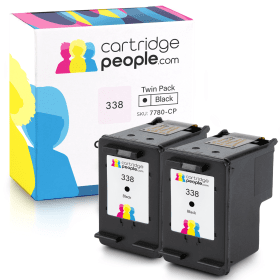
Compatible Own Brand
Black
Number in Pack: 2
Volume of Ink: 17ml each, 54% extra ink vs the OEM option
MPN: C8765EE
Available for Next Day Delivery
Available for Next Day Delivery
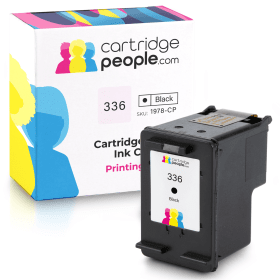
Compatible Own Brand
Black
Number in Pack: 1
Volume of Ink: 10ml each
MPN: C9362EE
Available for Next Day Delivery
Available for Next Day Delivery
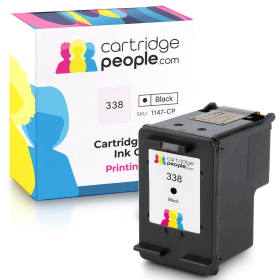
Compatible Own Brand
Black
Number in Pack: 1
Volume of Ink: 17ml each, 54% extra ink vs the OEM option
MPN: C8765EE
Available for Next Day Delivery
Available for Next Day Delivery

Colour
Number in Pack: 1
Volume of Ink: 5ml each
MPN: C9361EE
Available for Next Day Delivery
Available for Next Day Delivery
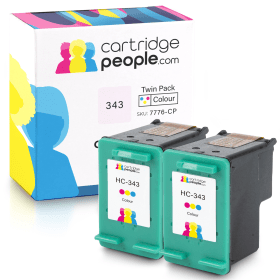
Compatible Own Brand
Colour
Number in Pack: 2
Volume of Ink: 13ml each
MPN: C8766EE
Available for Next Day Delivery
Available for Next Day Delivery
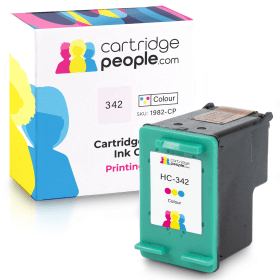
Compatible Own Brand
Colour
Number in Pack: 1
Volume of Ink: 11ml each, 120% extra ink vs the OEM option
MPN: C9361EE
Available for Next Day Delivery
Available for Next Day Delivery
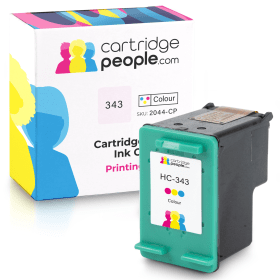
Compatible Own Brand
Colour
Number in Pack: 1
Volume of Ink: 13ml each
MPN: C8766EE
Available for Next Day Delivery
Available for Next Day Delivery
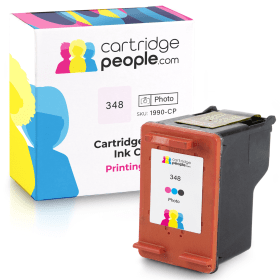
Compatible Own Brand
Photo
Number in Pack: 1
Volume of Ink: 20.9ml each
MPN: C9369EE
Available for Next Day Delivery
Available for Next Day Delivery
Available for Next Day Delivery
Available for Next Day Delivery
Available for Next Day Delivery
Available for Next Day Delivery
Available for Next Day Delivery

Black
Number in Pack: 1
Volume of Ink: 11ml each
MPN: C8765EE
Colour
Number in Pack: 1
Volume of Ink: 7ml each
MPN: C8766EE

Colour
Number in Pack: 2
Volume of Ink: 7ml each
MPN: C8766EE

Colour
Number in Pack: 1
Volume of Ink: 7ml each
MPN: C8766EE
To ensure you receive an answer to your question in the quickest time possible, we recommend you contact our customer service team directly using one of the following methods:
If you have a product-related question benefiting all customers, please proceed. Your question and our response may be published on cartridgepeople.com after approval.
Asked by John - Published over 3 years ago
Asked by Gordon Lund - Published over 3 years ago
Perhaps one of the most noticeable features of the HP Photosmart C3180 All-in-One is its print speed. When it comes to photo prints, the device can produce results in just 25 seconds whilst speeds for mono documents and colour documents are 22ppm and 20ppm respectively.
In terms of the machine’s photo printing functionality, users are able to easily print pictures without the need for a PC and instead use memory cards either from a smartphone or digital camera. Sharing, saving and printing photographs is made possible through the use of a one-touch button and PC monitor which starts HP Photosmart Express.
Easy one-touch buttons can also be used to make colour or black and white copies so you don’t always need to access a PC. The machine’s scanner is also able to repair older, damaged photos through HP’s Real Life technologies.
By adopting HP Real Life Technologies, users will be able to automatically remove red eye as well as enhance darkened areas of a photograph.
HP Vivera Inks will contribute to high quality photo and documents prints that will last for decades.
The HP Photosmart C3180 All-in-One printer, scanner and copier provides three functions in one small, compact device.
It has a fairly small footprint, made even smaller because its paper tray folds up when not in use. The fact that the paper tray is in the front instead of the back also helps reduce the size of the printer.
The C3180 can print photos in up to 4800 by 1200dpi and uses two ink cartridges: black and tri-colour. It can produce a full-colour 10 by 15cm photo in about 25 seconds. The scanner performs at up to 1200 by 2400dpi.
Featuring a small row of controls along the left-hand side, the C3180 allows users to quickly activate the scanner or make copies. The memory card reader takes several forms of memory cards so users can access images without copying them directly to the PC.
The printer comes with HP’s suite of software. These programmes help users quickly scan, sort, print, edit and share images.
Pros
Cons
Star Rating: 4


 FREE Delivery over £35
 Unbeatable Prices